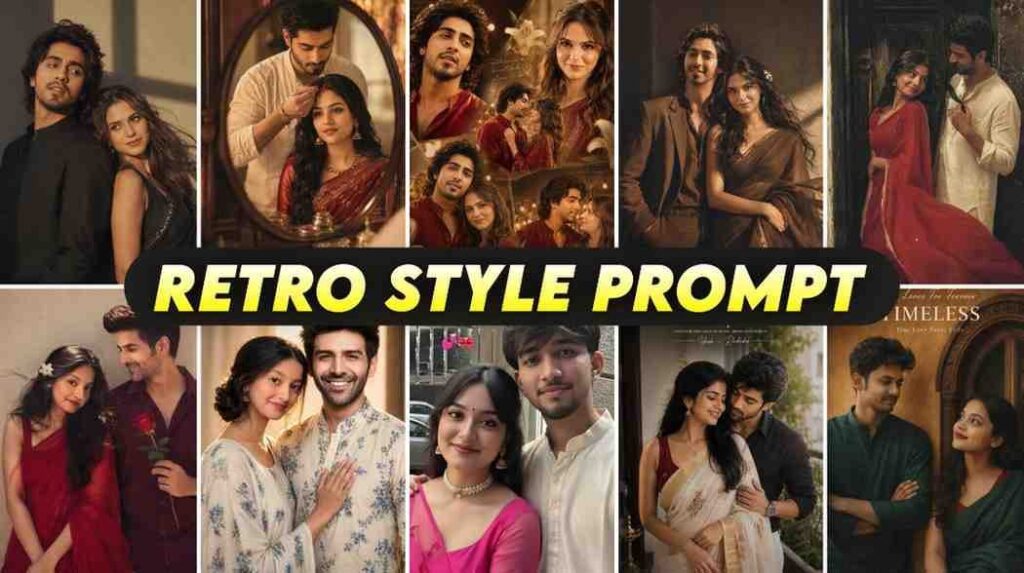
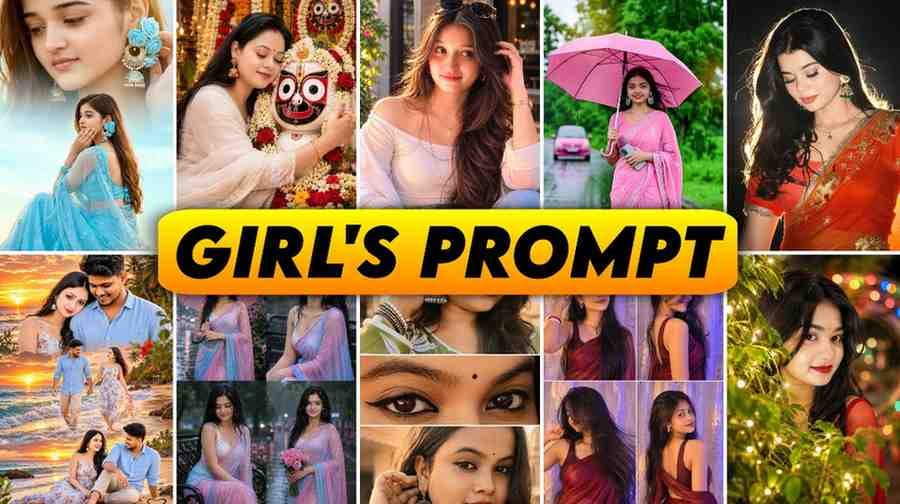
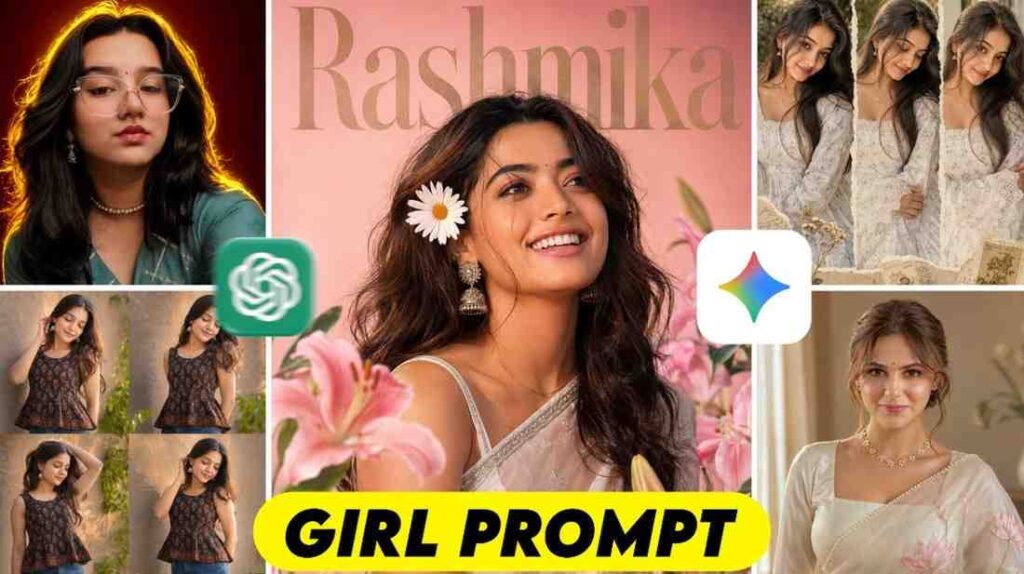
You uploaded a great photo of yourself on ChatGPT. Then you asked it to change the background behind. But after a short while, when the edited photo came, you were surprised. The person in the photo does not look like you at all. Eyes, face, hair, everything changed and a photo of another person was made.
Are you also having this exact same problem?
There is nothing to worry about. When someone tries to edit a photo with AI for the first time, everyone makes this mistake. The real solution to this is to use the correct chatgpt photo editing prompts text. If you can tell it in a specific language that it must keep your face safe, then it will not change your face again.
In today writing, I will give you the easiest and best solution to this problem.
What you will get in today article
In this whole text today, I will explain very clearly why our face changes when editing photos. And how you can edit any photo while keeping your original face same.
The biggest thing is that in this article you do not have to make any hard English sentence by yourself. You just read this writing today until the end. After that, I will provide a list of prompts below the article, you just copy them and paste them on your photo to use.
Now let us come to the real part.
Today main topic
Today main topic is understanding the language of ChatGPT and getting photos edited properly by it.
Many of us think that if we just upload a photo in the chat box and say please edit this, it will understand everything. But it is not like that at all. AI cannot really think on its own like a human. You have to explain everything to it like a small child. It will do only as much as you tell it. So giving it the right instruction is the main topic here.
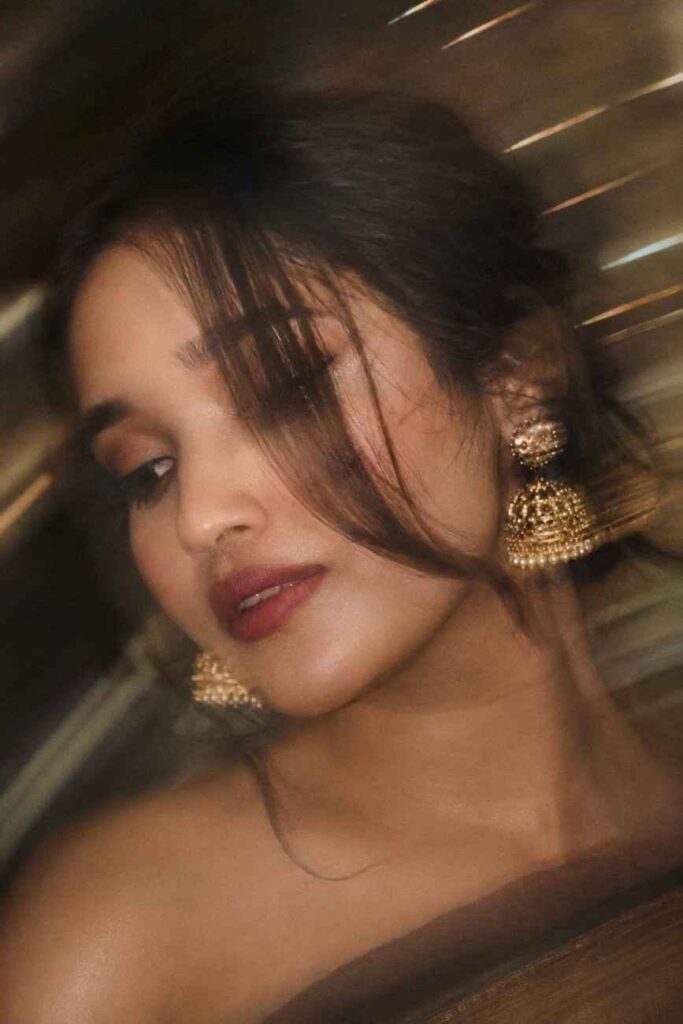
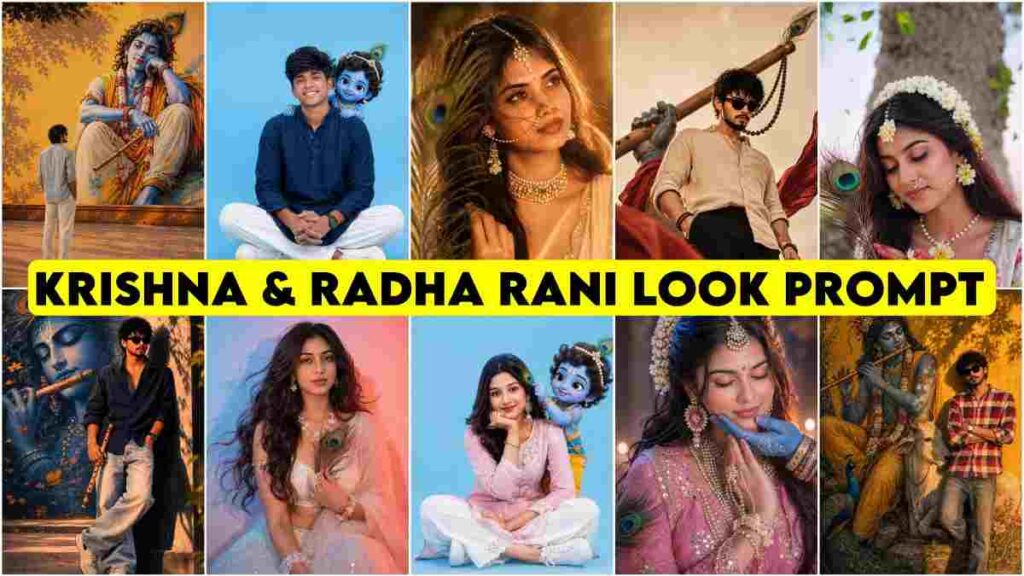
Dreamy cinematic close-up portrait of a South Asian woman with a loose braided low bun and long face-framing hair strand covering one eye, looking down and slightly sideways. Large gold jhumka earrings, glowing skin, soft peach blush, subtle highlighter, defined lashes, dusty-rose matte lips with darker liner. Elegant navy-blue saree with gold detailing. Warm golden-hour lighting, shallow depth of field, creamy bokeh, intentional artistic motion blur, soft breeze, photorealistic skin texture, romantic luxury editorial photography, high detail.
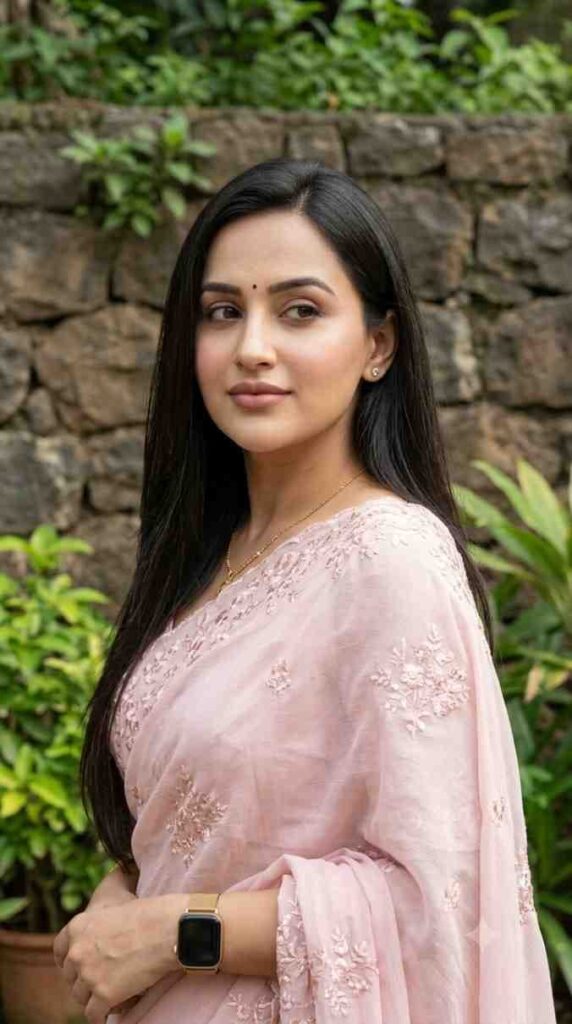
Young Indian woman posing outdoors against a natural stone-wall and greenery background, wearing a soft light-pink saree with delicate floral embroidery. Long straight dark hair, small bindi, natural glowing skin, subtle makeup, light-pink lipstick, expressive eyes with eyeliner, small earrings, simple necklace and golden-strap smartwatch. Looking slightly to the side with a calm, innocent expression. Soft natural lighting, realistic skin texture, photorealistic, high detail, DSLR quality.
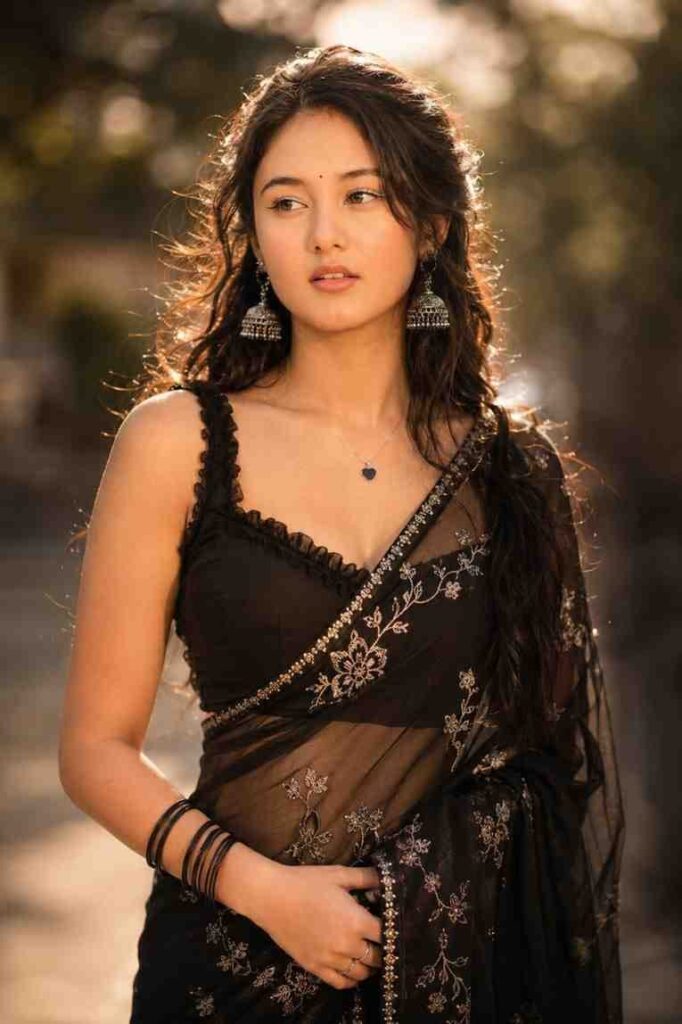
Ultra-realistic cinematic DSLR portrait of a beautiful young Indian woman in a black floral-embroidered chiffon saree with ruffled sleeveless blouse. Long wavy half-up hair, tiny black bindi, silver jhumkas, heart pendant, black bangles, soft glam makeup, glowing skin, warm smile, dreamy side gaze. Golden-hour rim light, creamy bokeh, shallow depth of field, 85mm f/1.8, HDR, 8K, Vogue/Pinterest aesthetic.
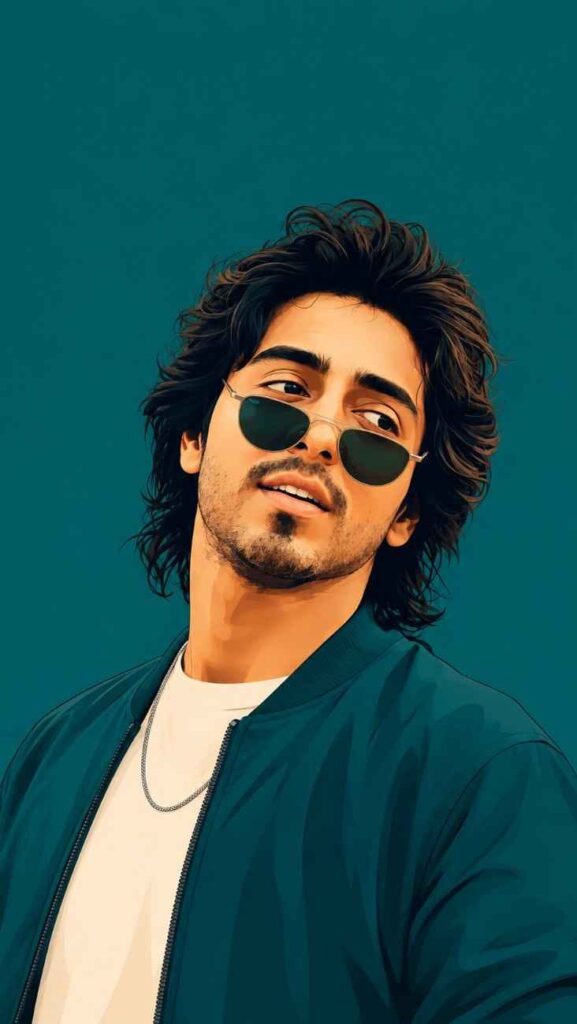
Using the attached photo as the exact face reference, recreate the same facial structure, eyes, nose, lips, jawline, hair, beard, and skin tone. Create a 9:16 vertical bold flat-vector portrait in a relaxed three-quarter pose with a charming confident smile. Keep the hairstyle similar to the reference. Add a stylish monochrome deep teal bomber jacket, light contrasting T-shirt, thin chain, and vintage sunglasses slightly down the nose. Use a solid deep-teal background, flat and texture-free. Clean smooth linework, minimal shading, bold saturated colors, crisp digital vector finish, high-fashion editorial poster aesthetic, generous headroom and negative space.
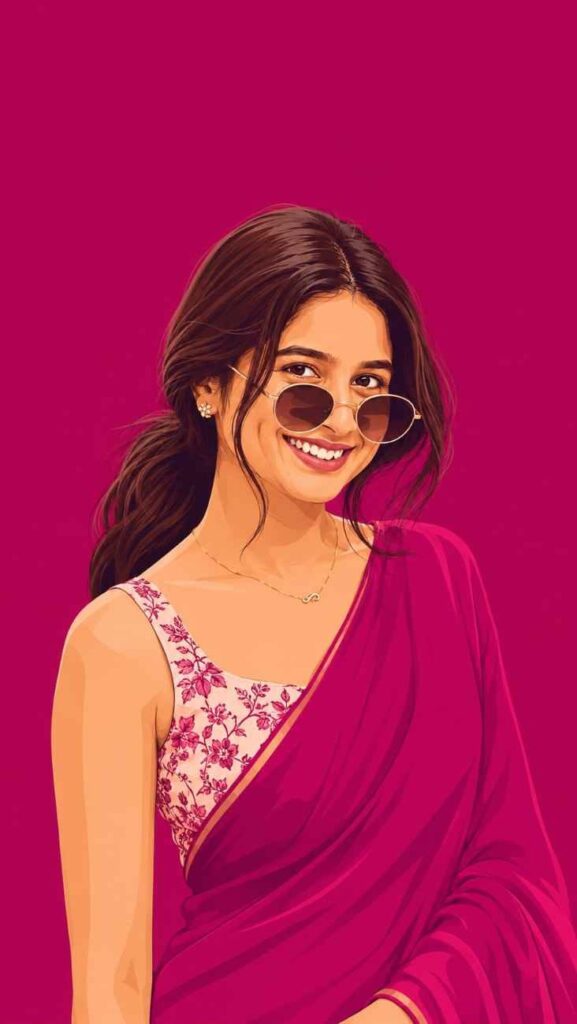
Use the attached photo as the facial reference and preserve the face, eyes, nose, lips, and skin tone accurately. Create a 9:16 vertical portrait in a bold flat-vector illustration style with crisp clean linework and minimal shading. Three-quarter pose, relaxed confident expression, soft wavy hair in a low ponytail with face-framing strands. Dress her in a saturated rich magenta saree with a lighter floral-print blouse, flower stud earrings, thin gold chain, and round vintage sunglasses slightly lowered on the nose. Use a completely flat magenta background matching the outfit, with generous headroom and clean poster-style composition. High-fashion editorial, bold saturated colors, premium vector finish.
What Are ChatGPT Photo Editing Prompts?
Is your face changing completely when you try to edit your photo on ChatGPT? You may want to change the background, but after the edit comes, you see that the person in the photo does not look like you at all. Everyone faces this problem in the beginning. The only solution to this is to use the correct chatgpt photo editing prompts text. Today I will explain to you step by step how to edit photos while keeping your face same. Prompt means giving an instruction by writing. Suppose you went to a shop and said, please give me a red shirt. This clear way you explained your need, this is a prompt. While editing, you have to write and explain in the same way what kind of photo you want.
How to Edit Photos Using ChatGPT Step by Step
Many people think that they need to learn a lot of things or need expensive software for editing. Actually it is not like that at all.
If you can chat with someone on a phone, then you can do this too. In the first step, open ChatGPT from your phone or computer. Next to the chat box, you will see a small pin or attachment icon. Click there and upload the photo you want to edit. In the second step, copy your choice from the ready prompts I gave below for you. In the third step, paste that copied text into the chat box and send it. That is all. It will do the rest of the work by itself.
ChatGPT Photo Editing Prompts Text Best Copy and Paste List
When we go to use this tool for the first time, it does not come to mind what to write to get a good result.
Many people just write edit my photo and sit back, and they get bad results. To solve this problem, the copy paste method is the best. I have provided some great ready prompts for you below this article.
You do not have to work hard to make any English sentence by yourself. You just see what kind of edit you need. According to that, copy the text and put it on your photo. This will save your time, and you will also get a perfect photo without any hassle.
ChatGPT Prompts for Face Preserving Edits Without Changing Face
This part is the most important, because most people get stuck here. Simple apps edit by rubbing color and brush over the original photo, but AI does not work like that. When you give it a photo, it looks at that photo and tries to draw or generate another new photo just like it. And while making it new, it changes the face.
So you have to give it strict instructions so that it does not make any change to the human face. Below I have given some instructions where it is clearly said that keep original face 100 percent same. If you use these specific commands, your face will not become like someone else.
Background Change and Object Removal Prompts in ChatGPT
Suppose you took a photo standing in a very beautiful place, but a dustbin or another person came behind. Or the background does not look good at all. Earlier it used to take hours in Photoshop to fix these. But now if you give the right prompt, the person or object behind can be removed in seconds.
Not only that, if you want, you can take a photo shot inside a room to the sea beach or a foreign street in a moment. There is only one condition, you have to write clearly what object you want to remove and what you want to see behind instead. The background change prompts below will do this exact work perfectly.
Tips to Write Better ChatGPT Image Editing Prompts
When I started working myself for the first time, I used to think that writing very big English sentences would bring good photos. Later I saw it is not like that at all. The real secret to getting a good photo is giving the correct information.
You will always tell it four things clearly. One, who is in the photo, for example a boy. Two, what is he doing, for example standing. Three, how the environment behind will be, for example night city. And four, how the style of the photo will be. If you can arrange these small pieces of information, then the tool can understand what kind of photo you are imagining inside your mind.
Common Mistakes to Avoid When Editing Photos with ChatGPT
If you avoid the mistakes that most new users make, your work will become much easier.
The first big mistake is giving a very small instruction. For example, if you just write make it beautiful, it gets confused.
The second mistake is uploading a blurry photo or a photo taken in the dark. If the photo is not clear, AI cannot catch your face properly, so the face changes even more.
The third mistake is saying opposite things. For example, if you say at the same time make the photo dark and also say give a lot of light, then it cannot understand which one to do.
So instructions should always be simple and clear.
Is ChatGPT Photo Editing Free Pricing and Access Explained
Many people have this question in mind, will it cost money to use these great features? The direct answer is, to get the full benefit of the engine DALL E 3 that works inside it to make or edit photos, you have to use ChatGPT Plus, that is the paid version.
But yes, in the free version also now there is a chance given to generate some things in a limited way. If you want, you can try from a free account too. If you see that it is very useful for your regular work, then taking the paid version will be a wise work. In this you will get the chance to edit again and again.
Conclusion
In today writing, we learned very easily why face changes when editing photos, and how to keep the face same using correct commands. The biggest thing here is keeping the basic idea in mind about how the tool works. You do not have to make any hard prompt by yourself. The list I am providing for you below, if you just copy and use those, your work will be done.
My advice will be that you do not delay anymore and start practicing right now by uploading a photo. If you try yourself once or twice, the thing will become completely clear to you.
FAQs (Frequently Asked Questions)
What is a ChatGPT prompt for editing photos?
A prompt is basically some written instructions. Explaining in the chat box how exactly you want to edit your photo is called a prompt.
Why does ChatGPT change my face?
Because it does not rub or clean your original photo, but looks at that photo and makes a completely new photo. So if you do not give it separate instructions, it changes the face.
How do I keep my face exactly the same?
It must be written very clearly in English inside the prompt so that no change is made to the face of the person in the photo. In the prompts provided below, this instruction is already given.
Do I need to write prompts in English?
Yes, English commands work best for generating or editing photos. Because the system can understand English instructions very fast and perfectly.